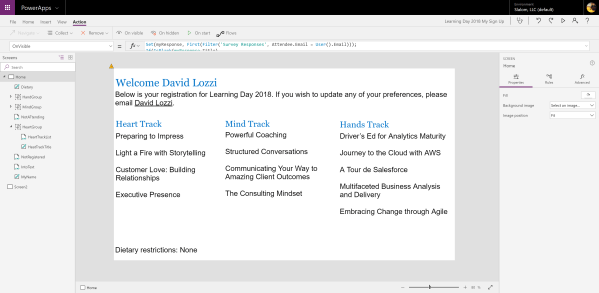
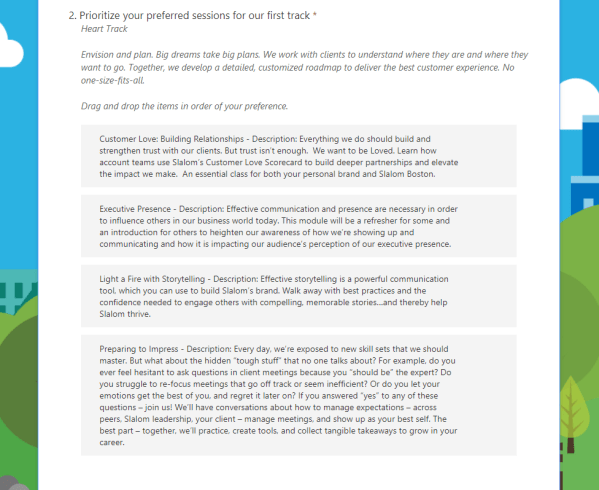
As it stands today, Microsoft Forms is quite limited in its customization capabilities: with changing the background to a custom image only being released in recent weeks, you can select a theme or create your own. Forms will continue to grow and adapt and will eventually offer the necessary level of customizations we need. I... Continue Reading →
Creating a user-friendly SharePoint view using PowerApps
In my previous post, I shared a winning combination of Forms, SharePoint, Flow, and PowerApps. In this post, we're going to dive in deeper into the PowerApp I created. I wanted to take this approach as it's more user-creator-friendly than using the cool new custom view formatting available in SharePoint Online. I wanted to highlight... Continue Reading →
Microsoft Forms Ranking Questions to Individual SharePoint Fields with Flow
In my previous post, I shared a winning combination of Forms, SharePoint, Flow, and PowerApps. In this post, we're going to dive in deeper with the Flow used to save survey results from Forms into SharePoint. Forms will save it's data to Excel pretty easily, but sometimes certain question types are funky. In my use... Continue Reading →
Sending a beautifully formatted email from Power Automate (Flow)
updated March 10, 2020 I recently shared a winning use case for Office 365. Within this use case, I am using a flow in Power Automate to send beautifully formatted emails to our users. Something like: Okay, maybe it's not that beautiful, but it is colorful, has an image, and pops in comparison to black... Continue Reading →